Showing posts with label website. Show all posts

Sunday, July 10, 2011

WHICH ONE TO CHOOSE/

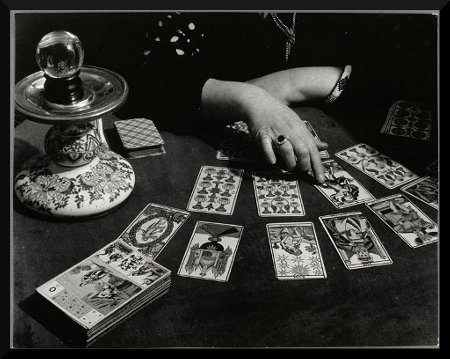
Eeny meeny miny mo - which to choose?
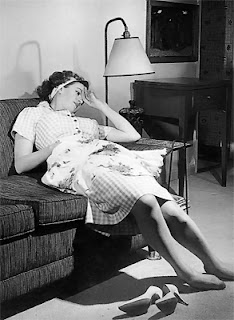
 Photo by Brassai


I've just been playing around with Wix, which offeres free flash websites (which you can customise, and also use your own registered name).

Here it is: 1st Floor Flat - it needs customising, and some content, but the basic shape is there...


And this is my usual one, which needs major updating (as soon as I locate my password, lost in the last computer crash): 1stFloorFlat  which I designed to be similar in feel to my blog as I wanted to create some continuity.

So here's my quandary - I don't know which I like best! Which to choose? Which one do YOU prefer?

I've got to do some major loading of artwork anyway, and update my classes list - so now is the time, if I'm going to change formats.

Tuesday, October 5, 2010

MORE ON ONLINE PRIVACY & PICASA


I've done a full tutorial on how to reset your Picasa settings to prevent your artwork and images from being pirated (see the post below). In addition to that post, here are a couple of important points:

The old editor is being phased out altogether

Many of you are using the old editor, being very happy with Minima - meaning you can swap around your backgrounds for all those freebies out there (including mine on my Blogology page). And you are either nervous of, or plain just don't like the new editor.
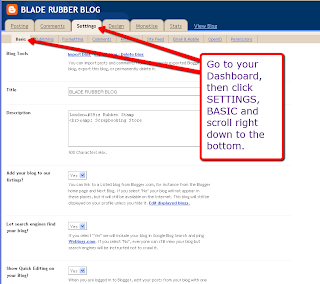
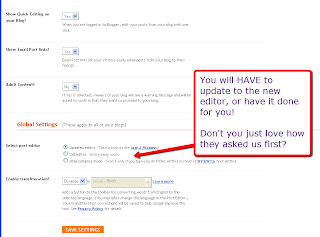
Go to your Dashboard, then click on the Settings tab
Right at the bottom, you'll see this new notice
Guess what? They are now phasing this out altogether!

Does this mean an end to all those blog designers out there? 

I'd say NO, because I've already worked out how to work with the new editor, and also how to embed the code into the html directly. But it will upset things for anyone using a background and unsure of which templates to use.

Happily, I've already done a full tutorial on this which will hopefully guide you through.

Retro images copyright-free from Tack-o-Rama
Well, I'll just delete all my private images off the Picasa album!

Sorry, it isn't that simple! Read on...

Deleting images from Picasa which are also on your blog

A word of warning... if you posted images on your blog: even if you didn't know you had  a Picasa album, you do NOW. So go in and change those settings!

Also, every image you post on your blog (even from old posts) now automically goes into your Picasa album - therefore, if you decide to delete an image, it also gets deleted off your blog! So think carefully before you hit that 'delete' button.

I don't have a Picasa album (I don't think...) so how do I find it?


If you have a Blogger blog, you'll probably have been asked to open a GoogleMail or Gmail account, and this address will most probably be the one you use to access your blog.

Go into your mail account, and you'll see a toolbar right at the very top - click on more to access the drop-down menu.


The first item you'll see is Photos - click on this and you'll be able to access your Picasa album(s) showing every pic you have on your blog, and probably a lot more!

Check my earlier post (below) to see how to adjust your privacy settings.

Even if you don't have a GoogleMail or Gmail account, they are still out to get you! After using the new photo uploader in a couple of new posts, go in and see whether clicking on the Picasa option will bring you to a page showing all the images on your blog. I think you'll find it will!

After your nervous breakdown, go in and reset your privacy settings as mentioned in my earlier post.

I'm repeating this post on Computery, as this needs to get to the widest audience possible.
Thursday, July 29, 2010

MY NEW WEBSITE

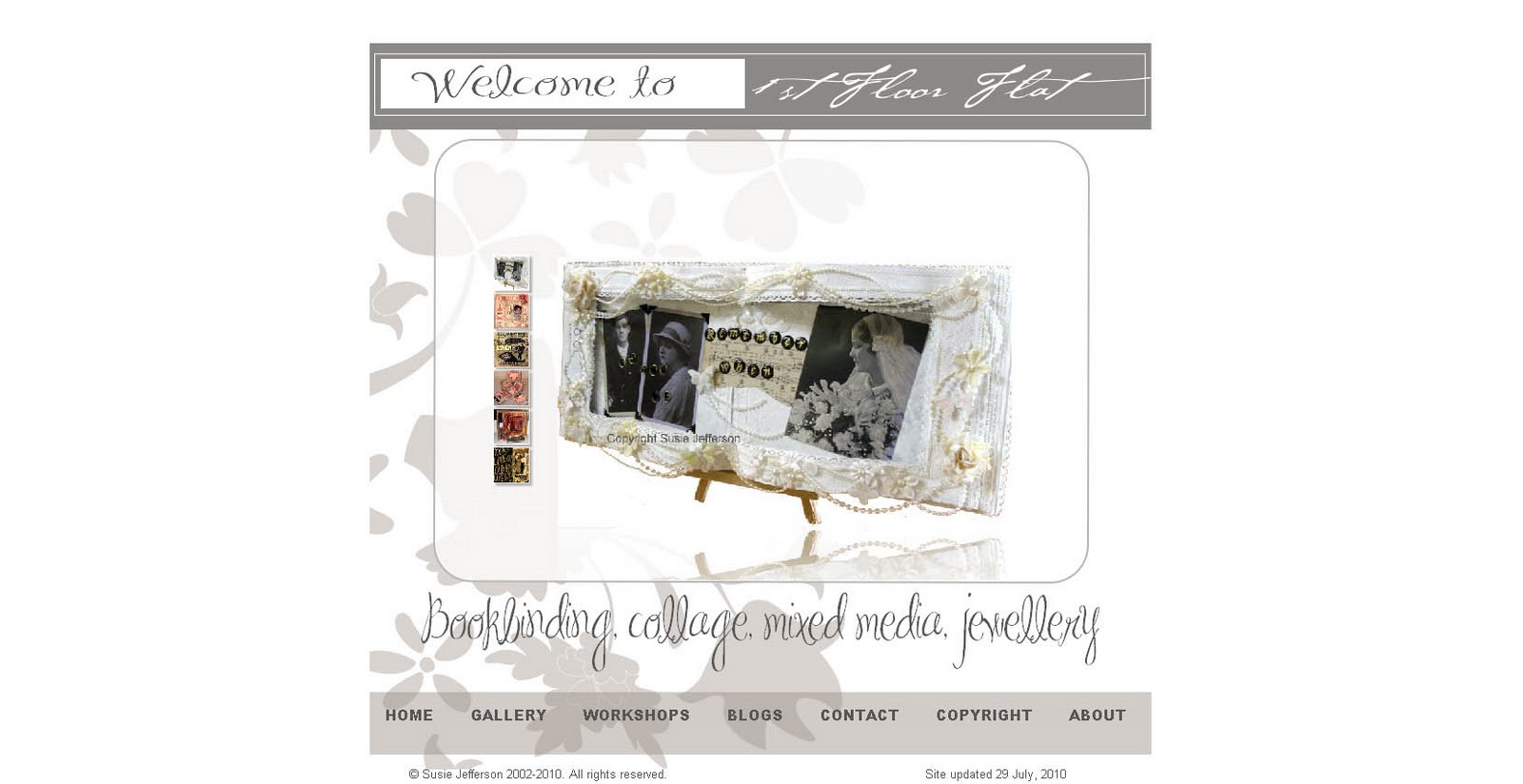
I've now finally finished making over my own website (and high time too) as if I haven't been busy enough with Blogger makeovers, lol.
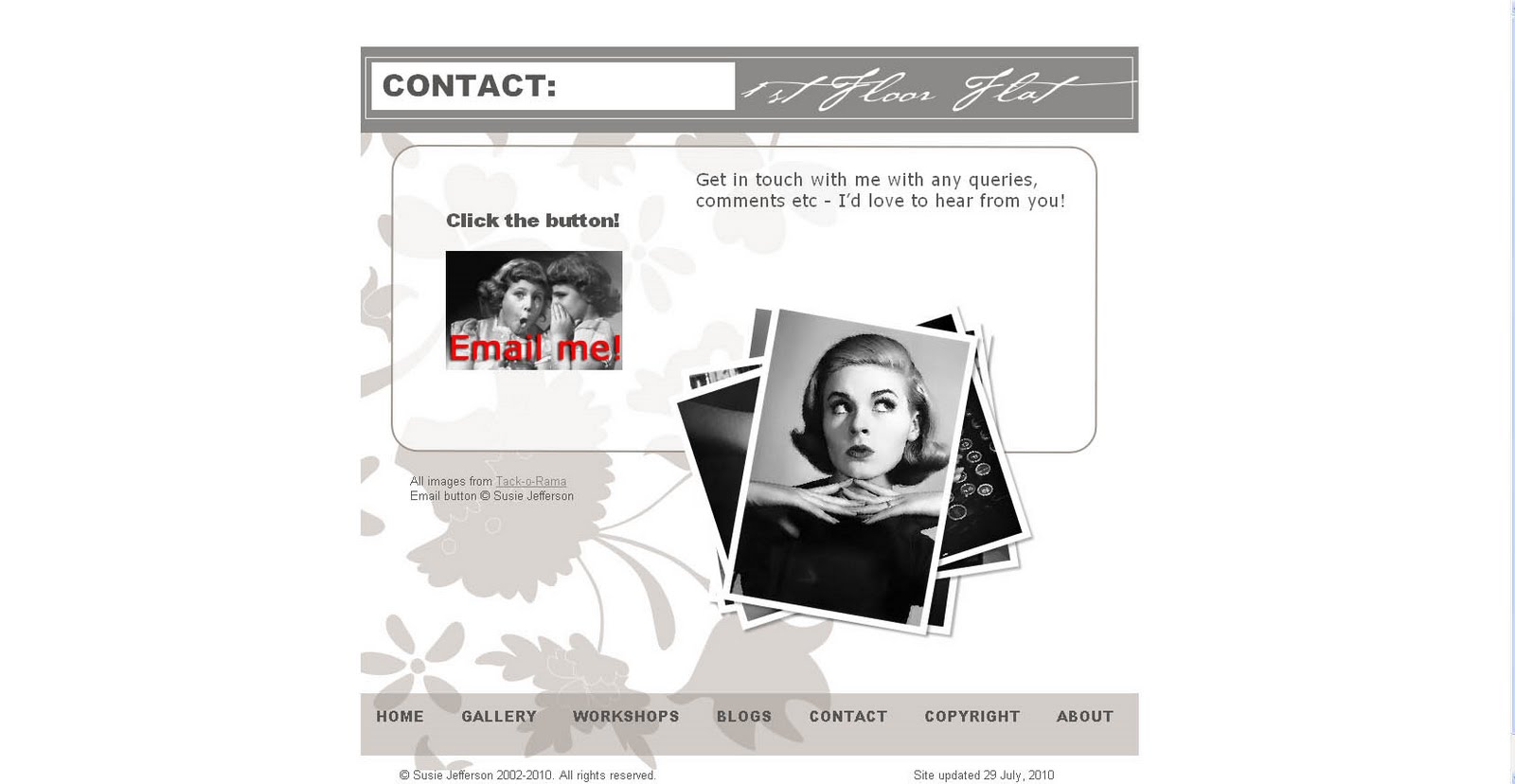
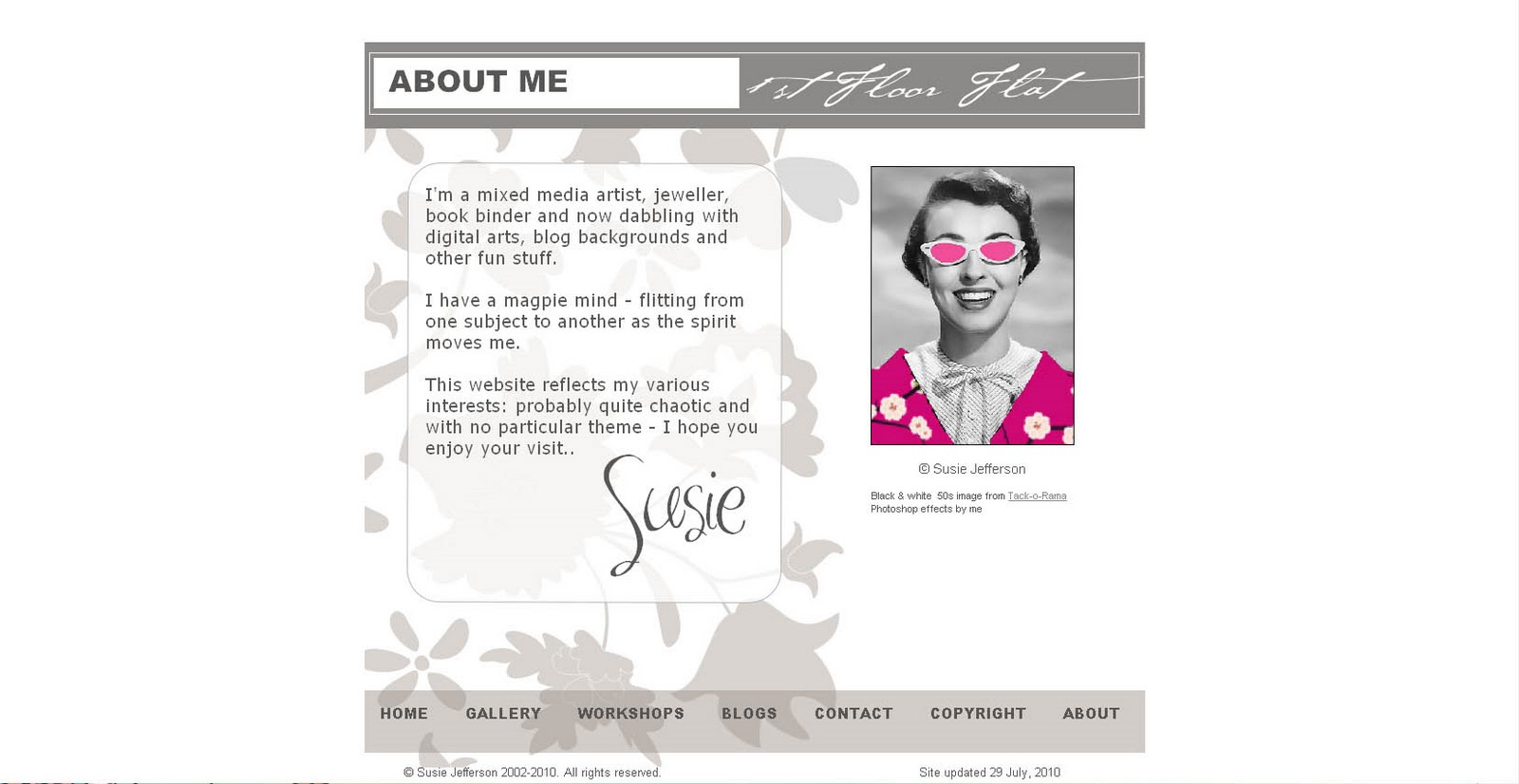
1st Floor Flat
Unfortunately, the old Microsoft Front Page template had to go: MS are no longer supporting it, and it was the 2000 edition, so woefully out of date! The new one is using Serif WebPlusX4, and the easiest one I've ever written!
All images copyright Susie Jefferson

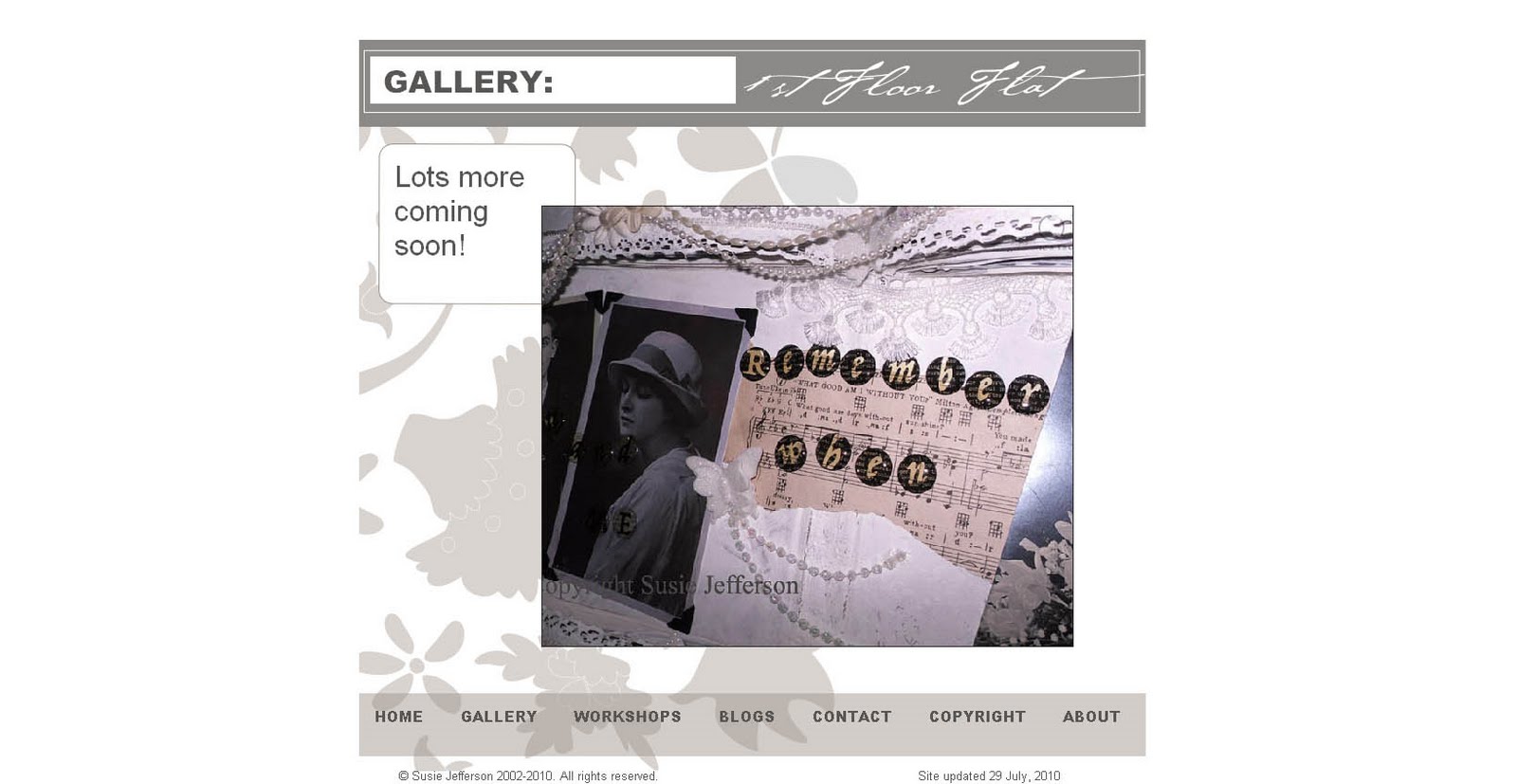
 It even has a Flash photo gallery capability, so I've had fun with that - probably used it too much ...


You'll possibly be shocked - it's very pared down, very plain compared to my previous one. But I think websites are going in that direction - the all-bells-and-whistles stuff is very much now in Blogland, where we can easily update and change 100 times a day if we want to!


I have absolutely bundles of stuff to add (pix etc) but this will be getting loaded slowly, slowly. At least it's up, it's working, and my Workshops list is no longer 6 months out of date, lol.

FORMAT

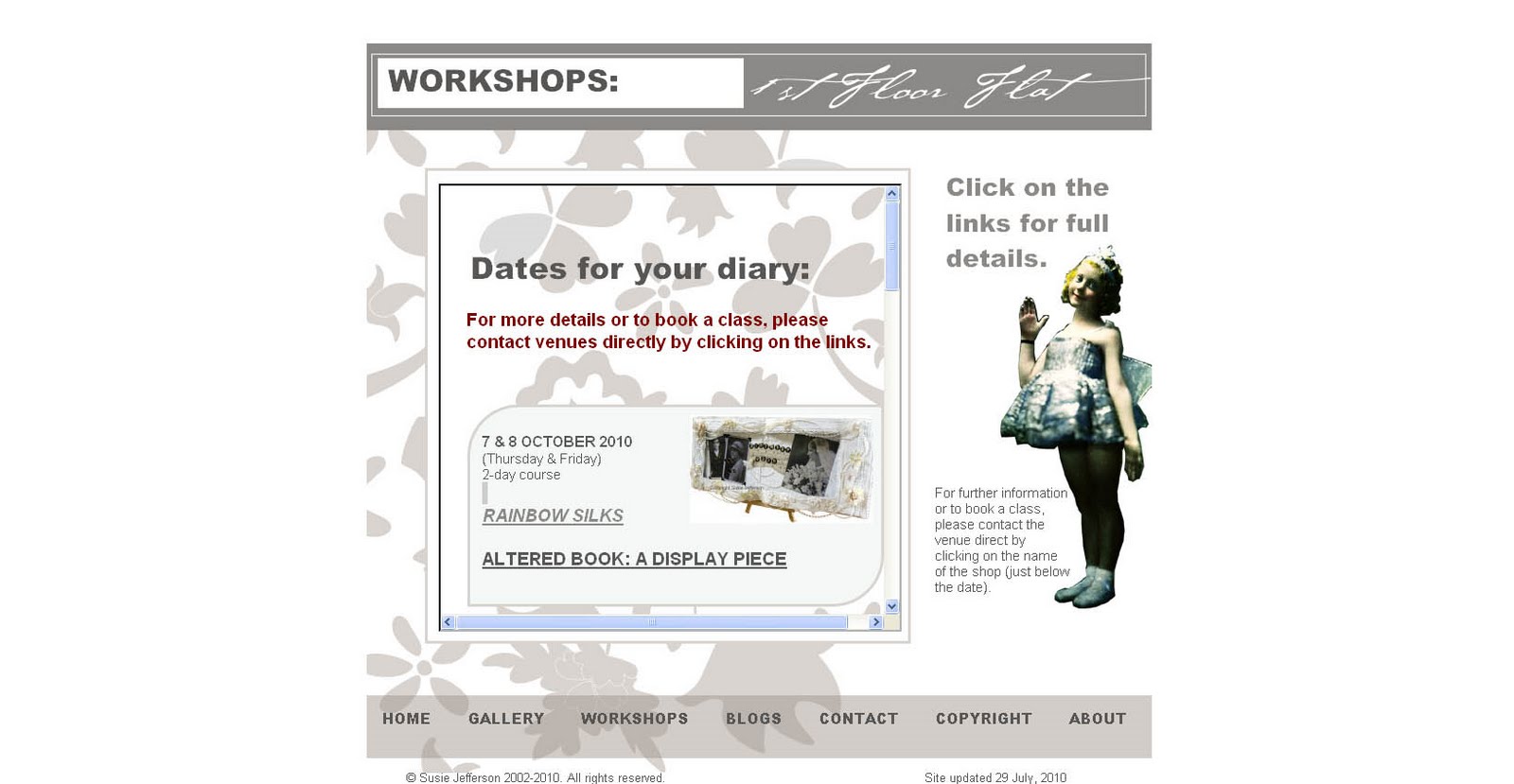
Basically a single page. I'd love to hear what you think - it's a new format in that I haven't done long pages this time (as with previous websites, where you scrolled and scrolled and scrolled...) so the whole thing should sit nice and tidy inside any size of monitor without any scrolling at all (except for the dates of the Workshops).

 COLOUR

Colours: nice and restful, easy on the eye - a total change from my manic Theatre designs. Do you miss them? Should I have done a red curtain etc??

Anyhow - it's done, it's up - I'm a happy bunny!

Monday, April 12, 2010

DIGEUS REGISTRY CLEANER - REVIEW

 Copyright-free photo from Artefacts

I've been having yet more problems with my poor computer (just over 5 years old) and several unexplained crashes. All who know me are aware I'm more than paranoid re viruses etc, and am very good about using my DiskClean and Defragmenting programmes regularly.

So having had another crash on Friday - for no reason that I could see - right in the middle of my writing my Pink Saturday  post (which really made me scream) there's been nothing for it but to get a registery cleaner. What this does is clear out all the unused stuff that accumulates, plus old and out of date stuff, all of which stops a computer running properly.

I dowloaded a Registry Cleaner and found I had more than 1600 errors: odd bits of programme that hadn't deleted etc. To say I'm shocked is an understatement. However, I am very happy to report the Digeus programme I finally decided on has cleaned all this mess up for me. This is one area I am no expert on, and don't even want to know about, thanks. Like driving a car, I really don't want to know what goes on under the hood.


By the way, this works for all computers from Windows 95 (has anyone got one still working?) through Windows XP (mine) to Windows 7 (I'm hoping I may be able to afford this sooner or later... ) . I'll also be posting this onto my Computery site, for future reference.

So I'm a happy bunny again!

Thursday, June 11, 2009

SIX x 6 x SIX

Jennifer at Maidenshade has nominated me for the 6 x 6 x 6 game!


Teardrop logo copyright Maidenshade


This is what it's all about:
  • Go to the 6th folder of your pictures
  • Find the 6th picture and tell a story about it
  • List 6 other bloggers you’d like to see participate (NO obligation)


The 6th folder in My Pictures is my Blog folder, and this is the 6th picture in it.

I needed something as a header for my website (just finished rewriting it yet again). So I needed something fairly wide, not too tall. And how to name it? The old site was susiejefferson.com and the new one is 1stfloorflat.co.uk... so I wanted to combine the two. So here you are, courtesy of Photoshop.

The hand itself is a digital clipart outline of a palmistry diagram, from which I made a tape transfer, collaging it over acrylics, tissue paper and old sheet music in an altered book, which I then cutaway from its background via Photoshop, layering the text on top. Here's the result.

Now for 6 people to nominate ... this was so hard! So, in no particular order as I love and admire them all ...


Dawn


Itkupilli


Gillian Allen


Angie


Corinne Stubson


June MacFarlane


And now to tell them they all got volunteered...

Monday, May 18, 2009

TA DAAAAAAAAAA!

It's finally up!

1stfloorflat.co.uk my website - is up and running!

Not a lot on it yet as none of the old links worked, needless to say, so I have to completely reload everything.

Which is no bad thing as it was huge and clunky and hard to find your way around.

Copyright-free image from Tack-o-Rama

I changed from the one you now see to the pink website (which I didn't much like, truth to tell). I think Flash galleries are well overrated. So back to the one I had in the first place!

This time it's going to be leaner, meaner and easy to navigate.

Whew ... this has been a marathon project (I had to move web hosting platforms etc etc) but then nothing in this life is simple, lol.

Constructive criticism is welcome, as always (you might just recognise those Email Me buttons....)

I think we all deserve a glass of champagne (subsitute your favourite tipple). I really feel the world is my mollusc of choice today!

Friday, May 15, 2009

MY "NEW" WEBSITE


Copyright-free images from Tack-o-Rama
(whose website is also written in MS Front Page)


It's been the mother of all busy weeks this week- and a comedy of errors.

I have mentioned my old website ad nauseum: written in Microsoft's Front Page (as is Tack-o-Rama, by the way) which Microsoft in their wisdom have decided not to support any longer. Yada yada yada. Which is a real bummer.

So my web server no longer supported it on the plan I had with them (and I haven't updated it in nearly a year because of this).

So I bought another programme - supposedly easy to use, nice picture galleries etc etc - and after 8 false starts and most of a week's work, I uploaded it on Wednesday. I absolutely hated it! It took forever to load onto my desktop - and around 2 hours to upload to the web (I had very little on it, too, just the basic skeleton 5 headers: Contact, About, etc - not even any galleries yet). But even with previews, you can't really tell how these things are going to work until they go live.

SO ... I got back in touch with my web server to ask for help, and lo and behold, they have ANOTHER plan which is Windows based, not Linux (?????) so after a day and a half of intensive work, I have managed to resurrect my old website... on... Front Page! Am I happy - you betcha!

Turns out when they updated their systems, I was left on the Linux one. I can't kick off about it because it was my own fault not checking things out - so now I am back to the website I had before I updated the last time. Green is not my favourite colour as a background, so I will try to change it later (it keeps defaulting back, but I'm now out of patience). So there you go.

Give it at least until Saturday to see if it loads up properly - one has to come off the system worldwide before the other one "takes". If it still defaults to the Plesk Control Panel (?) please try later. Meantime, I'll be the little voice in the corner screaming quietly whilst I try to publish it again...

Here it is: 1stfloorflat.co.uk

I have to say I have a great glow of achievement - emails transferred, web forwarding and all of that done... and the basic site looks OK for now. I'll be adding the galleries back over the weekend, as I need to check all the links and make sure everything works correctly. This was an old monster in the end, and needs a lot of pruning.

Hope you like it when you see it, and of course comments will be very welcome.
  • Tell me what you think: put on all the old altered book and card galleries? Or just new stuff.
  • Put up old magazine articles (full projects & how-to details)? Or would they be too out of date.
I'm going to get it right this time!